Terminal software functions:
1. Functional modules for participants:
1, participant login/Check-in: Support direct check-in, password check-in, handwritten handwriting check-in, etc. for binding participants; if participants are not bound, you can choose to bind the participant or directly enter the participant's name to bind, and then perform check-in. Check-in results can be exported to the backendpdf;
2, meeting agenda: supporting documents (word、pdf), text, and Timeline agenda display mode. You can directly view this function module after signing in and entering the meeting;
3Conference materials: Conference materials are displayed in a hierarchical manner according to the catalog, and different participants can set access rights to the catalog,Support page viewing. You can filter and view it by document, picture, and video file. Support direct push of files to other terminals and projection viewing. Shared folders support uploading files. Support export and download of files. Different participants can set download permissions;
4Interactive communication: Provide information exchange among participants, send messages to each other, and support two-way video chat;
5Electronic whiteboard: whiteboard hand-drawn function, you can draw Curves, lines, circles, rectangles, characters, etc., Can be withdrawn, erased, and cleared. Support simultaneous online annotations for multiple people and multiple tasks;
6Live video: perform on-demand video, pause, resume playback, and exit playback;
7, Web browsing: Provide web browsing functions;
8Call service: Provide tea, white paper, pens, calculators, service personnel, cleaning services, etc. applications;
9Meeting Notes: Open the participants 'meeting notes andwordFormat, support online editing, support import and export;
10, same screen: You can set permissions to share screen with conference room terminal equipment (same screen)
11Projection: You can set permissions to project large screens (projectors) in real time;
12Screenshots and annotations: You can take screenshots in any interface, add annotations and save them to the server;
2. Secretary/Host Function Module:
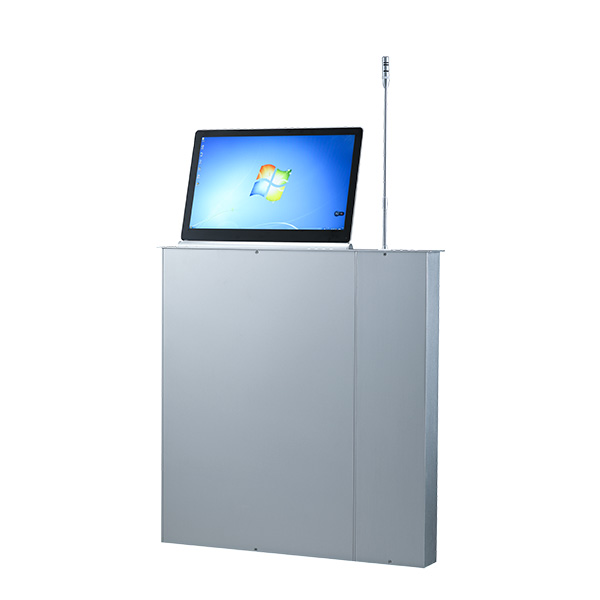
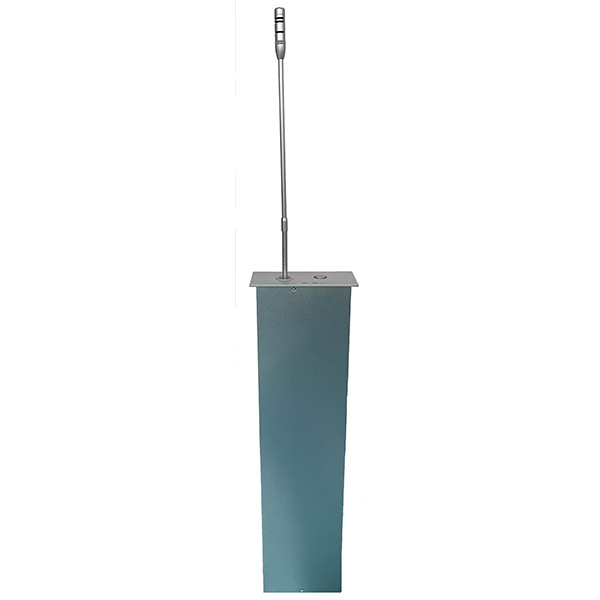
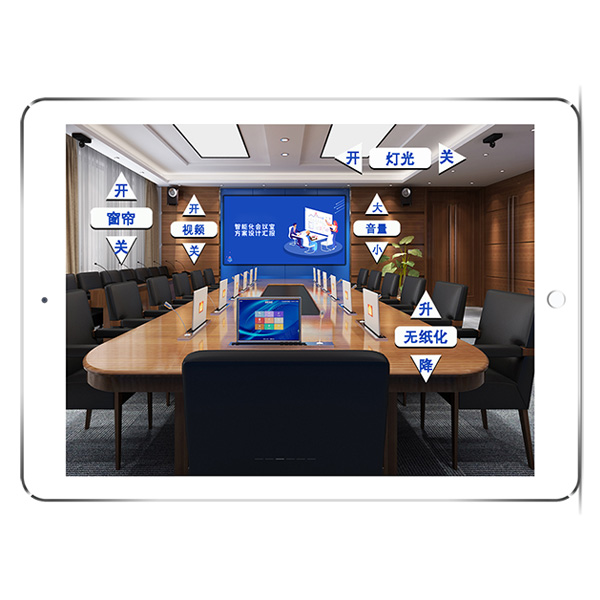
1Equipment control, which can display the equipment online status, binding personnel, equipment version in real time, perform equipment lifter lifting control, shutdown, restart, auxiliary check-in and other operations;
2Voting and election management: Add, modify, and delete voting content. byexcelImport voting content and export voting content toexcel。Voting can be set to real name/Anonymous. Control the countdown to vote and check the results at any time;
3Screen control: perform on-demand video, pause, resume playback, exit playback, initiate and end the same screen, initiate and end projection, and can control and remotely view tasks on the device screen;
4Meeting announcement: Edit and initiate meeting announcements, and you can set the background, title, and content. Announcement can be initiated at will during the meeting and displayed on the participant screen;
3. Equipment parameters
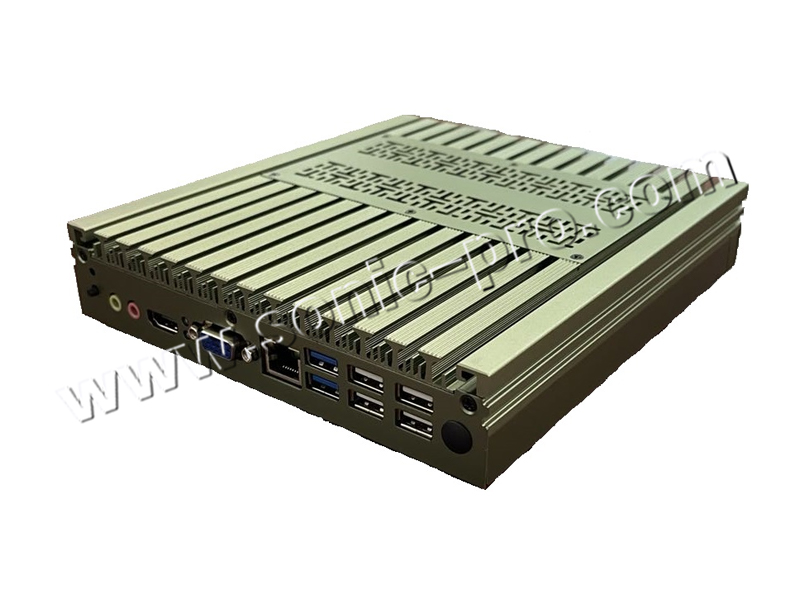
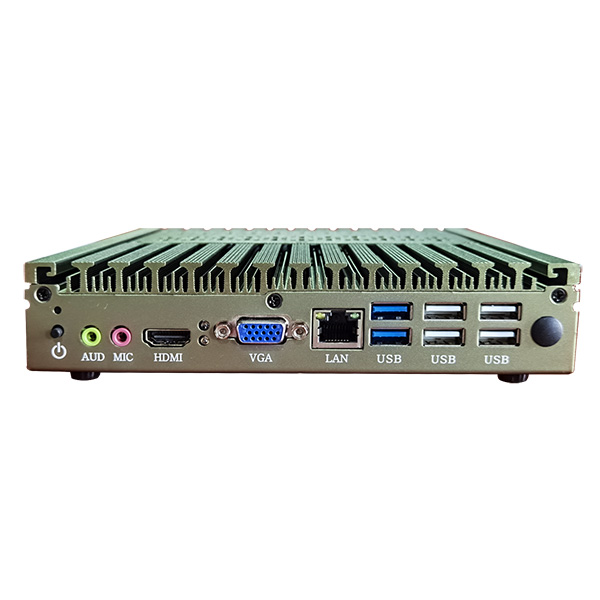
1.motherboard chip:Intel® seriesSOCchipset
2.CPUseries:Intel i7
3.display chip:CPUBuilt-in display chip (requiredCPUsupport)
4.network card chip:Onboard Gigabit NIC
5.memory:DDR4 2400/2666Memory slot (16GB)
6.storage :SATA3.0/2.0 high-speed SSD 128G;
7.USBinterface:2×USB3.0Interface,4×USB2.0interface
8.video interface:1×VGAInterface,1×HDMIinterface
9.other interface:1×RJ45Network interface, audio interface,PC ON/OFFRemote switch interface, power switch, power indicator
10.power supply:DC input19V/4.74A
11.support system:windows7/8/10
12.chassis color:military green
13.Body size:180mm×120mm×30mm
14.gross weight:about1.2KG